Why I Stopped Using CSV and Excel for Hardware Test Data
How SQLite changed the way I collect, store, and analyze hardware test data.
When we develop hardware products, a lot of our work eventually comes down to one thing: data.
Whether it is simulation, board bring-up, validation, production testing, or firmware testing, we keep collecting data.
Voltage. Current. Temperature. Sensor readings. ADC values. RF measurements. Timing information. Firmware logs. Debug messages.
And very often, the workflow starts in a very simple way:
Collect the data → save it to CSV or Excel → analyze it later.
For a small amount of data, this works perfectly.
100 rows? No problem.
1,000 rows? Still manageable.
10,000 rows? You start thinking twice.
100,000 rows?
Now you are not really managing test data anymore. You are managing a spreadsheet.
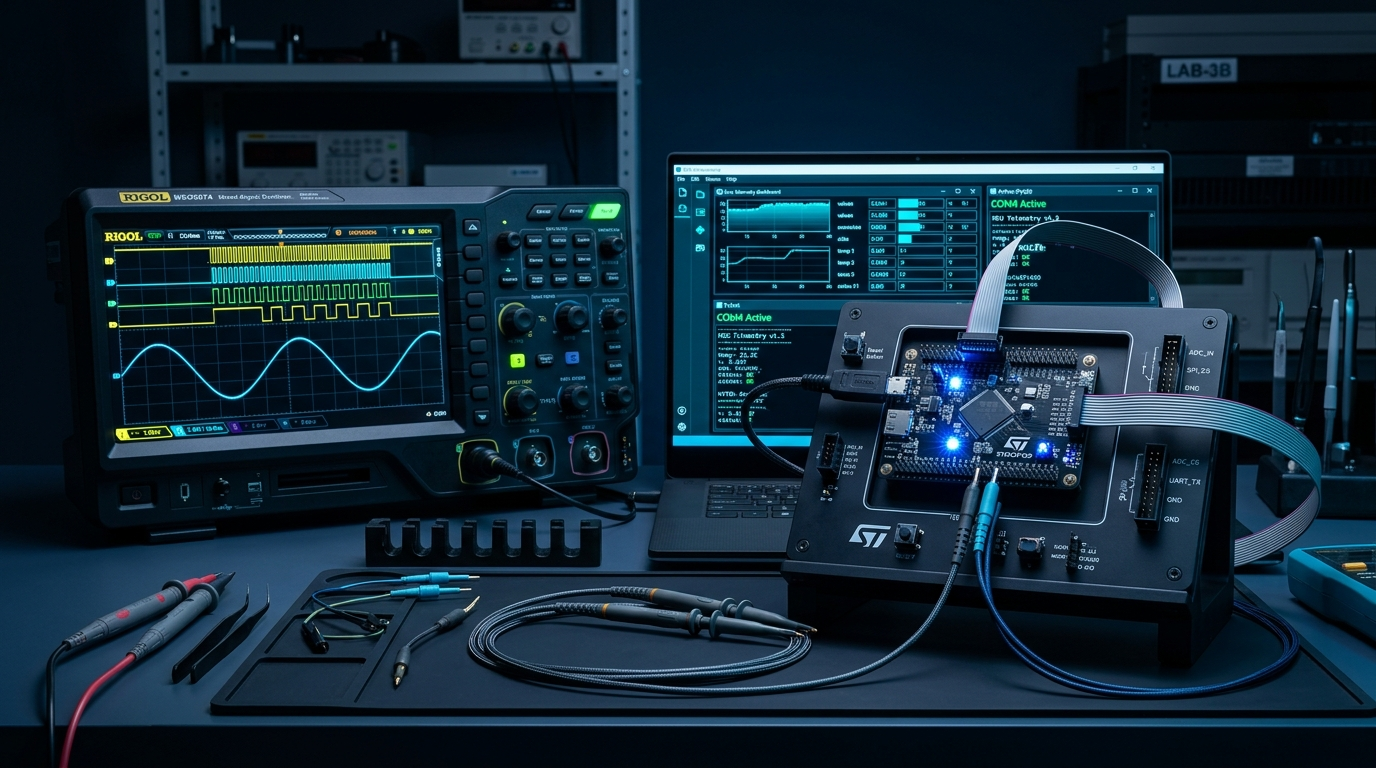
But over time, I realized that the number of rows wasn’t actually the biggest problem.
The bigger problem was managing the data over time.
Which board was this?
Which firmware version was running?
What were the test conditions?
Was this before or after that hardware change?
Where is the original data?
Can I compare this test with something I ran six months ago?
That is where my workflow started changing.
The realization: test data is data
For a long time, I thought SQL databases were mainly a software-development thing.
Web applications have databases.
Backend systems have databases.
User accounts and transactions have databases.
But for hardware testing?
I thought CSV or Excel was good enough.
After all, I was just collecting measurements.
That thinking changed once I started working with larger test datasets.
I found myself creating more and more spreadsheets, adding columns, copying files, renaming them with hardware and firmware versions, and trying to remember what each test actually meant.
At some point I started using SQLite for my local hardware test workflows.
And honestly, once I started using it, I never really wanted to go back to CSV or Excel as the primary place for my test data.
The reason is simple:
Test data is an engineering asset. It deserves to be stored and managed like one.
Why SQLite works so well for hardware testing
What I like about SQLite is that it doesn’t add much complexity to the workflow.
There is no database server to install.
There is no service running in the background.
There is no complicated setup.
The database can simply be a file:
test_data.dbThat’s it.
If I want to back it up, I can copy the file.
If I want to move it to another computer, I can copy the file.
If I want to inspect the data manually, I can open it with something like DB Browser for SQLite.
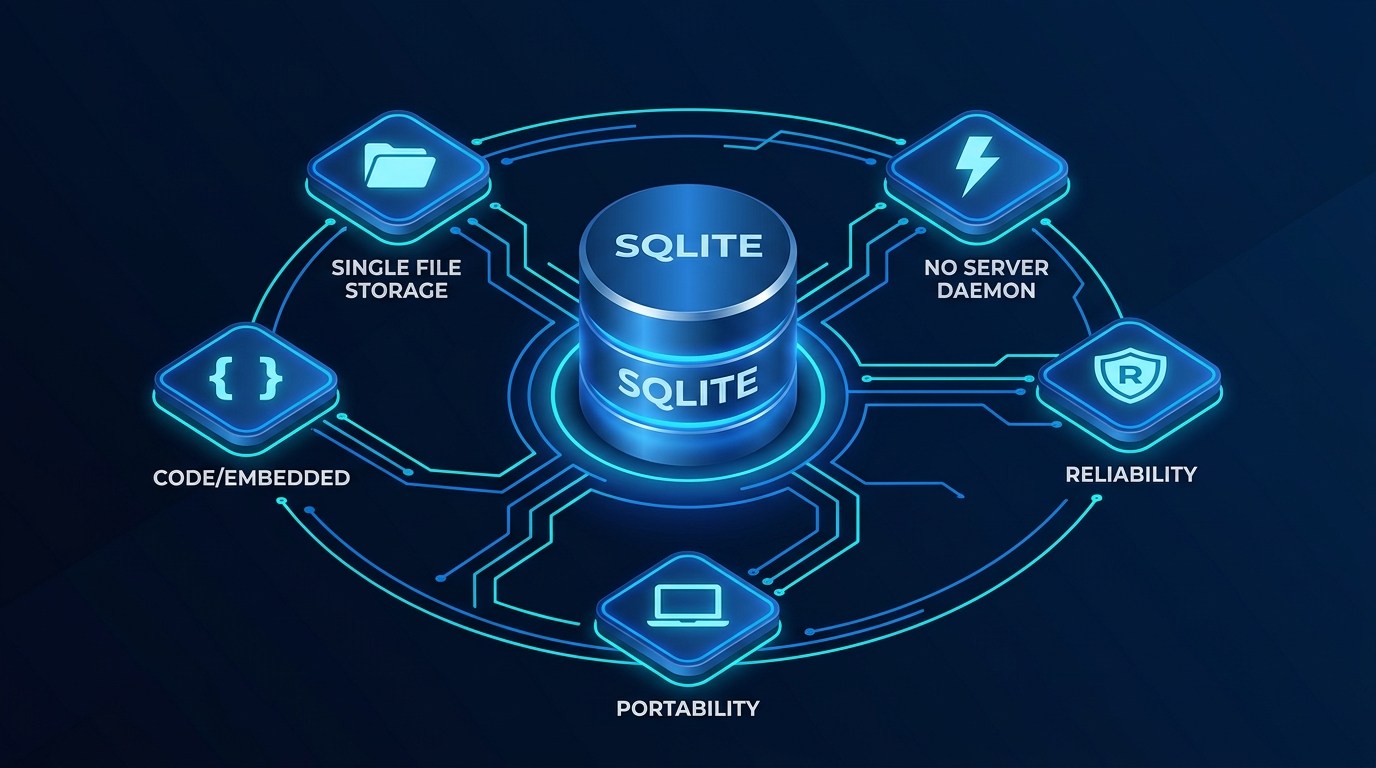
And because it is a proper database, I can query the data instead of opening a huge spreadsheet and scrolling through thousands of rows.
For example:
- Show all tests performed on hardware revision B.
- Find tests where temperature was above 60°C.
- Compare two firmware versions.
- Find the maximum current during a particular test.
- Get all measurements from a specific test session.
The database handles the organization.
Python handles the collection and analysis.
That combination works really well for me.
How I usually structure the data
One of the simple patterns I normally use is to separate test sessions from the actual measurements.
For example, I might have a sessions table like this:
| Column | Description |
|---|---|
session_id | Unique test run identifier |
start_timestamp | Start timestamp of the test session |
end_timestamp | Completion timestamp of the test session |
hardware_version | Board revision (e.g. Rev B, DUT-04) |
firmware_version | Embedded firmware build / git commit |
test_condition | Environment (e.g. Temp: 60°C, Vin: 3.3V) |
configuration | Test profile or register setup |
notes | Operator comments or run context |
And then a raw_data table for high-frequency measurements:
| Column | Description |
|---|---|
id | Auto-incrementing row identifier |
session_id | Foreign key linking back to sessions |
timestamp | High-resolution measurement timestamp |
voltage | Measured supply or rail voltage ($V$) |
current | Measured operating current ($mA$) |
temperature | Thermal sensor reading (°C) |
sensor_value | Raw ADC conversion or sensor payload |
The session_id connects the two.
So the session tells me:
What happened?
Which board was tested?
Which firmware was running?
When was it tested?
Under what conditions?
And the raw-data table tells me:
What was actually measured?
This simple separation becomes really useful when the number of tests starts growing.
I can have hundreds of test sessions without copying the same test information into every measurement row.
The most important part: keep the raw data
This is probably the biggest reason I prefer this workflow.
I try not to throw away the raw data.
It is very tempting to collect thousands of measurements, calculate a few averages, generate a graph, and then keep only the final result.
But what happens when your question changes?
Imagine I ran a hardware validation test two or three years ago.
At that time, I was interested in one particular parameter, so I wrote a script to calculate it.
Today, I may have a completely different question.
Maybe I want to look at the transient behavior.
Maybe I want to compare another hardware revision.
Maybe I want to apply a different filter.
Maybe I have found a problem today and want to compare it with an old test.
If I kept only the final graph or an Excel summary, I may have to repeat the entire hardware test.
But if I kept the raw measurements, I can simply write a new analysis script and run it against the old data.
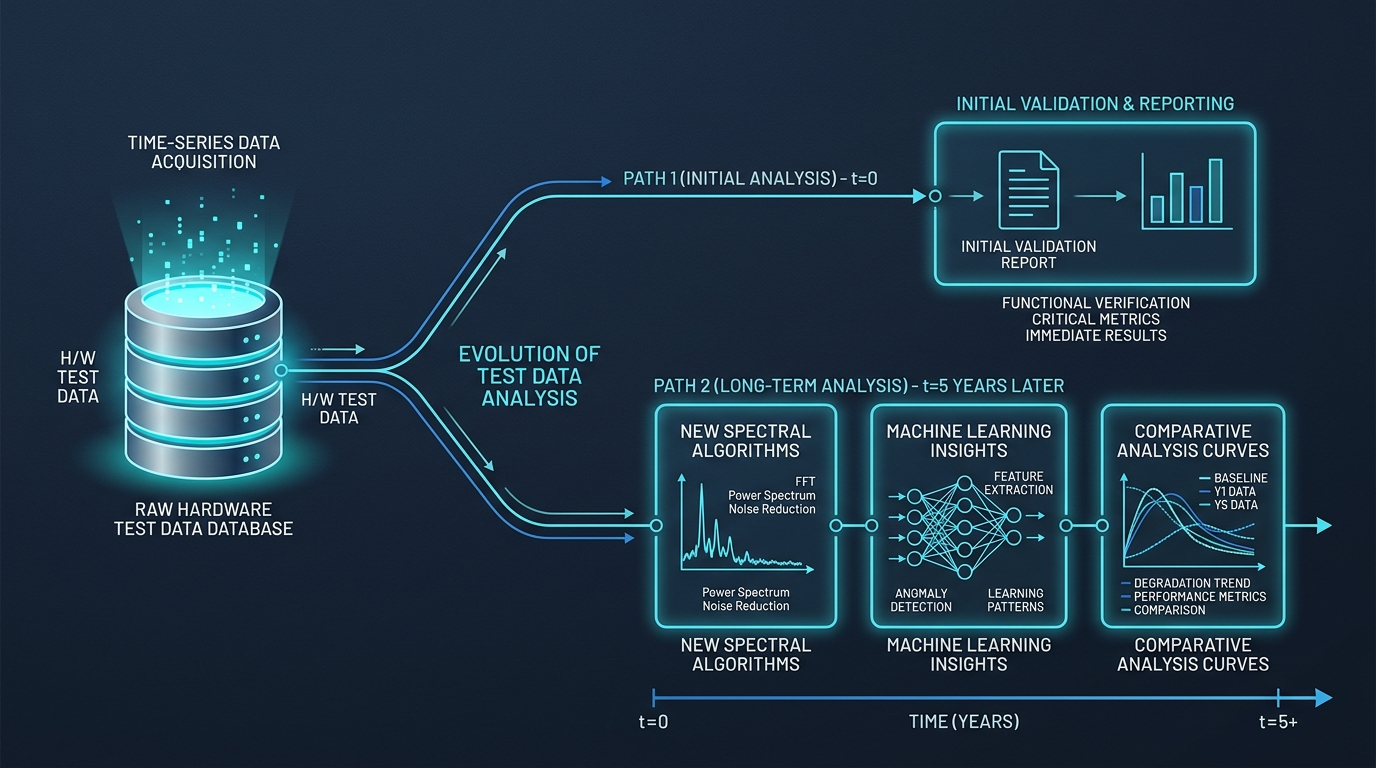
That is a powerful difference.
The data stays. The analysis can evolve.
Python + SQLite is where it becomes really useful
For my workflows, I normally use Python to collect and analyze the data.
A typical setup looks something like this:
flowchart TD
    HW["Hardware / Firmware / Lab Instruments"] --> SCRIPT["Data Collection Script"]
    SCRIPT --> DB[("SQLite Database\n(test_data.db)")]
    DB --> QC["Quick Checks\n& Health Verification"]
    DB --> ANALYSIS["Deep Analysis &\nPost-Processing"]
    ANALYSIS --> RESULTS["Graphs / Reports / Insights"]

    classDef primary fill:#0B1320,stroke:#1683F4,stroke-width:1.5px,color:#F4F7FA;
    classDef storage fill:#07111F,stroke:#00F0FF,stroke-width:2px,color:#FFFFFF;
    classDef secondary fill:#0B1320,stroke:#1E3550,stroke-width:1.5px,color:#CBD5E1;
    class HW,SCRIPT primary;
    class DB storage;
    class QC,ANALYSIS,RESULTS secondary;
The collection script has a simple job.
Talk to the hardware.
Read the measurements.
Capture the firmware output.
Store the data.
Once the collection is finished, I can run another script to process and analyze it.
This separation is useful because the data collection script doesn’t need to know what I might want to do with the data six months from now.
Today I might calculate an average.
Tomorrow I might look at peak current.
Next month I might want to analyze temperature behavior.
The collection process doesn’t have to change.
Spreadsheets aren’t bad
This isn’t an article about why Excel is bad.
I still use spreadsheets.
If I have 20 measurements and I want to quickly look at them, calculate something, or share a small table with someone, Excel is perfectly fine.
The problem starts when we ask Excel or CSV to become the permanent storage system for an engineering test program.
For me, the distinction is simple:
Excel / CSV
Good for quick inspection, small datasets, and sharing results.
SQLite
Good for collecting, organizing, querying, and keeping test data for the long term.
I don’t see SQLite as a replacement for every spreadsheet.
I see it as the layer underneath the spreadsheet when the data starts becoming important.
What changed for me
The interesting part is that learning SQLite didn’t really change the way I write SQL.
It changed the way I think about test data.
Earlier, I would think:
“I need to save the test results.”
Now I think:
“I need to preserve the experiment.”
That means keeping the test conditions, hardware version, firmware version, configuration, and most importantly, the raw measurements.
Because the value of that data doesn’t necessarily end when the test ends.
A test I ran two or three years ago can still answer a question today.
And if it can’t answer today’s question directly, I can write a new analysis script and try again.
I don’t have to repeat the experiment just because my analysis changed.
The bigger lesson
When we build hardware products, we spend a lot of time thinking about the circuit, PCB, firmware, test fixture, and automation.
But the data generated by all of those things is also part of the engineering work.
Every bring-up test, validation run, thermal test, firmware test, and measurement session creates information that may become useful later.
If that information ends up scattered across random CSV files and Excel sheets, it becomes harder and harder to use.
If we store it properly, it becomes something we can keep learning from.
That is why SQLite has become part of my hardware engineering toolbox.
I initially thought:
“SQL is for software developers.”
Now I think:
“If your engineering work generates data, learning how to manage that data is an engineering skill too.”
And for many hardware test workflows, SQLite is a surprisingly simple place to start.